Your OFP, worked live on the flight deck.
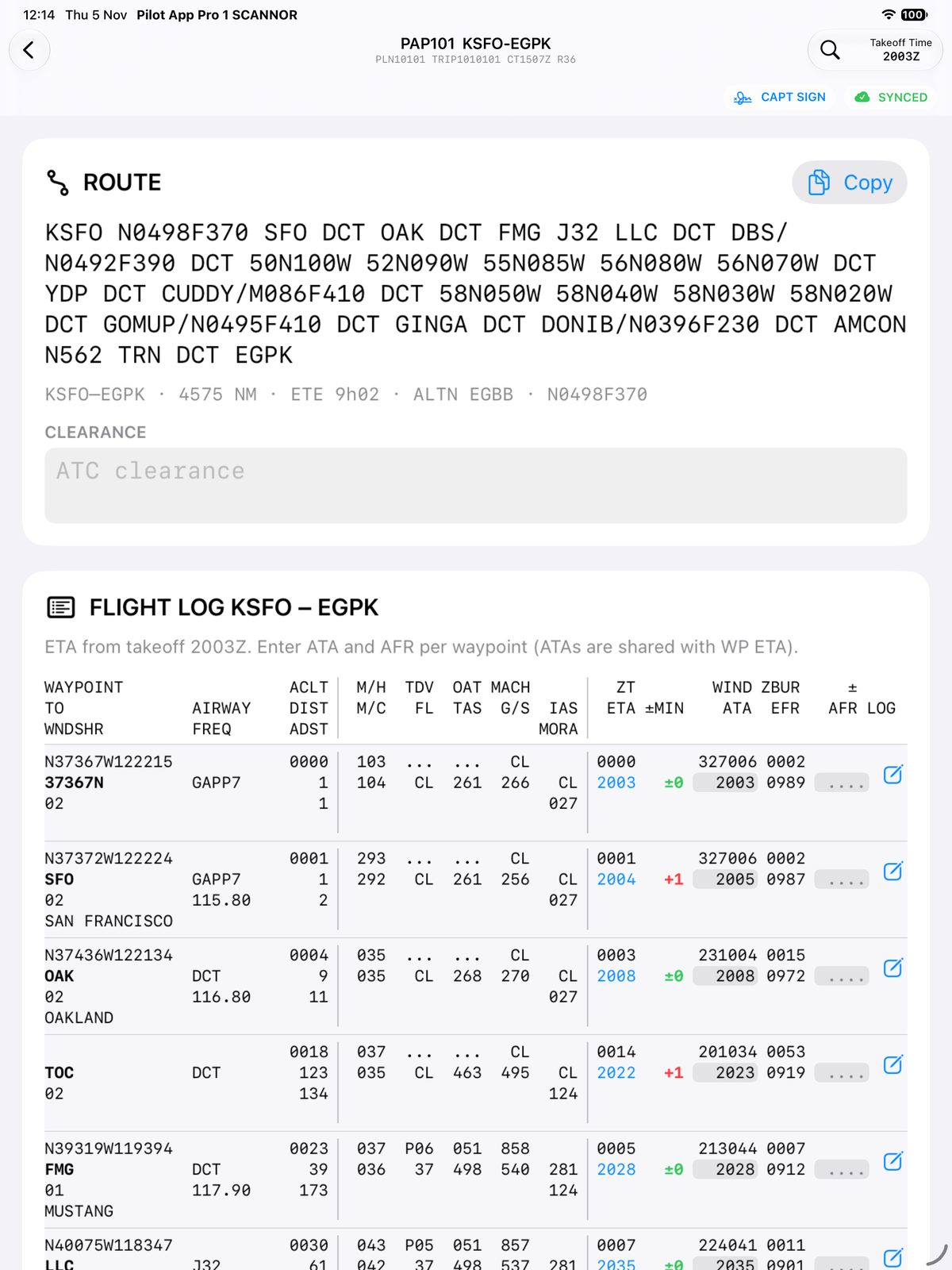
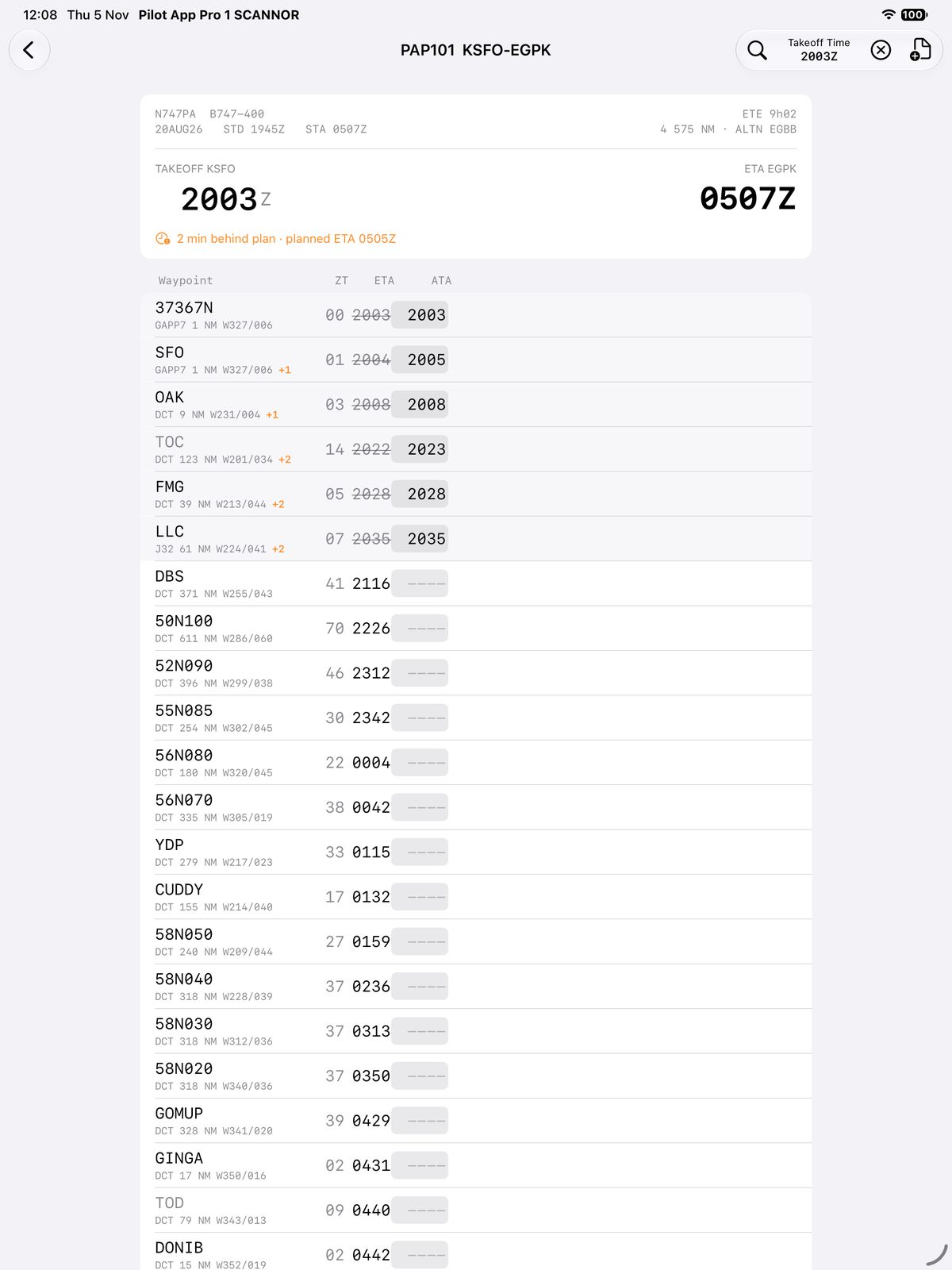
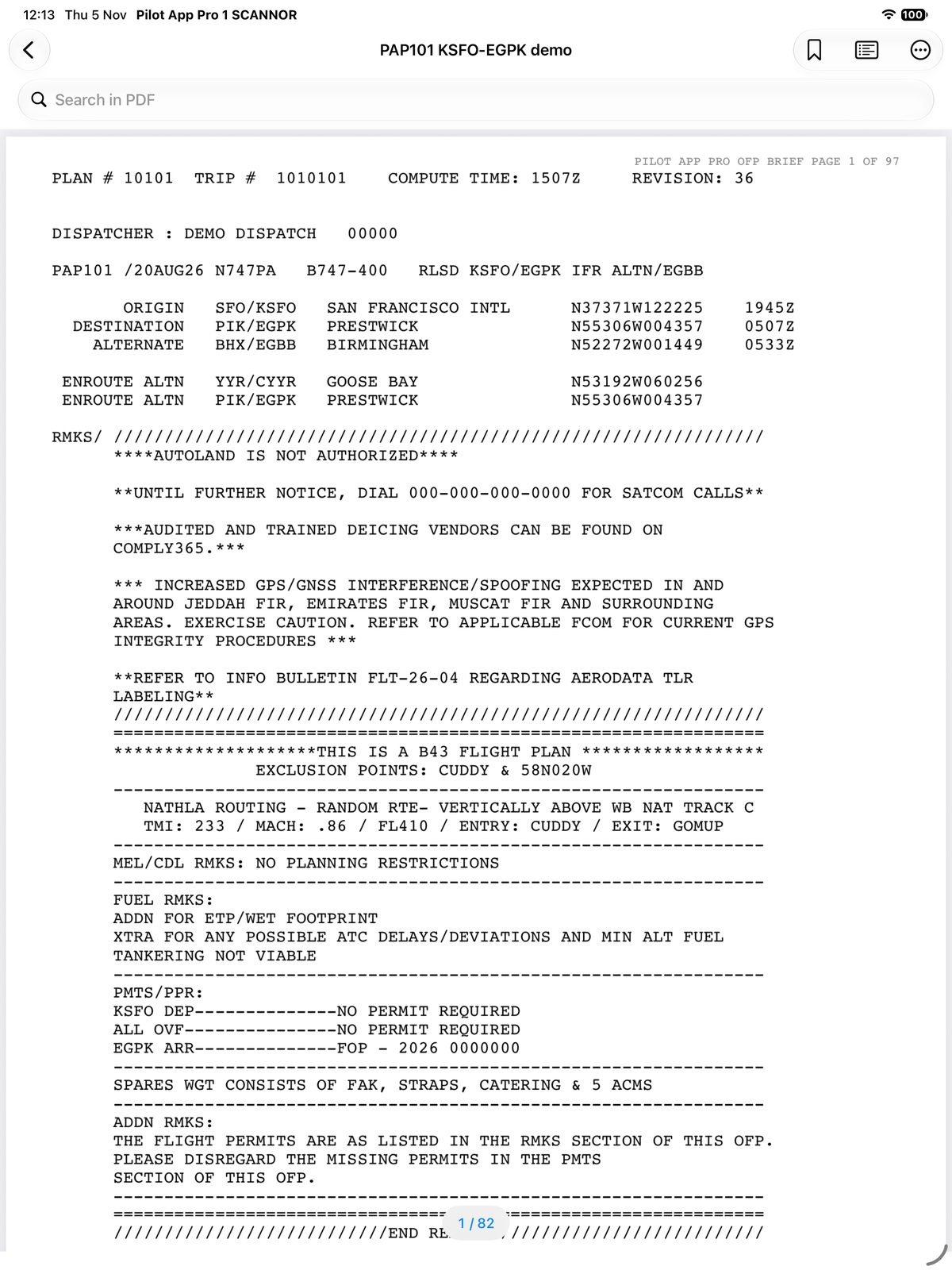
Pilot App Pro reads the operational flight plan PDF and turns it into a working log on your iPad: revised ETAs from the actual takeoff time, fuel against plan at every fix, RVSM checks and notes per waypoint. No connection needed once you are airborne.
On the iPad
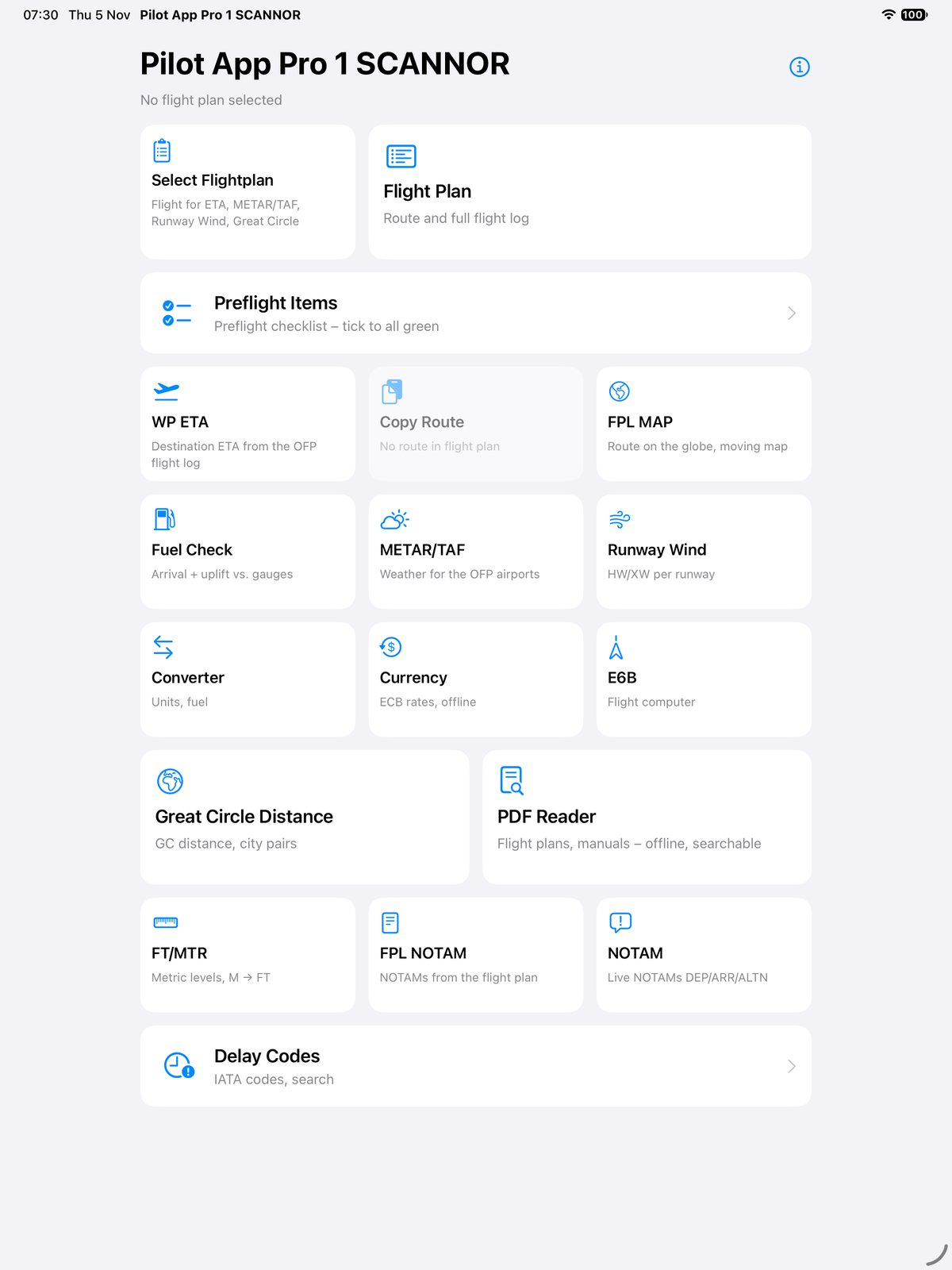
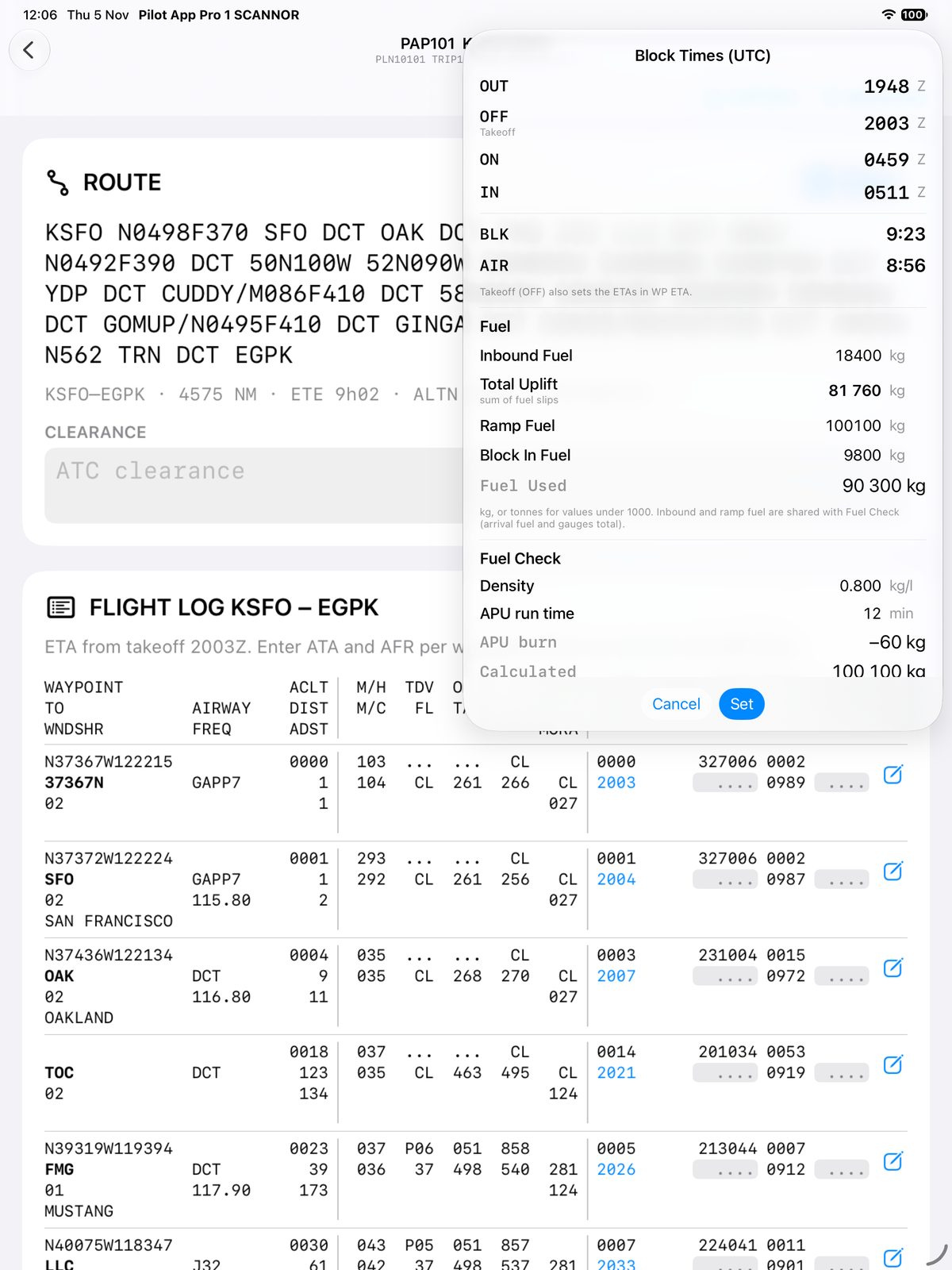
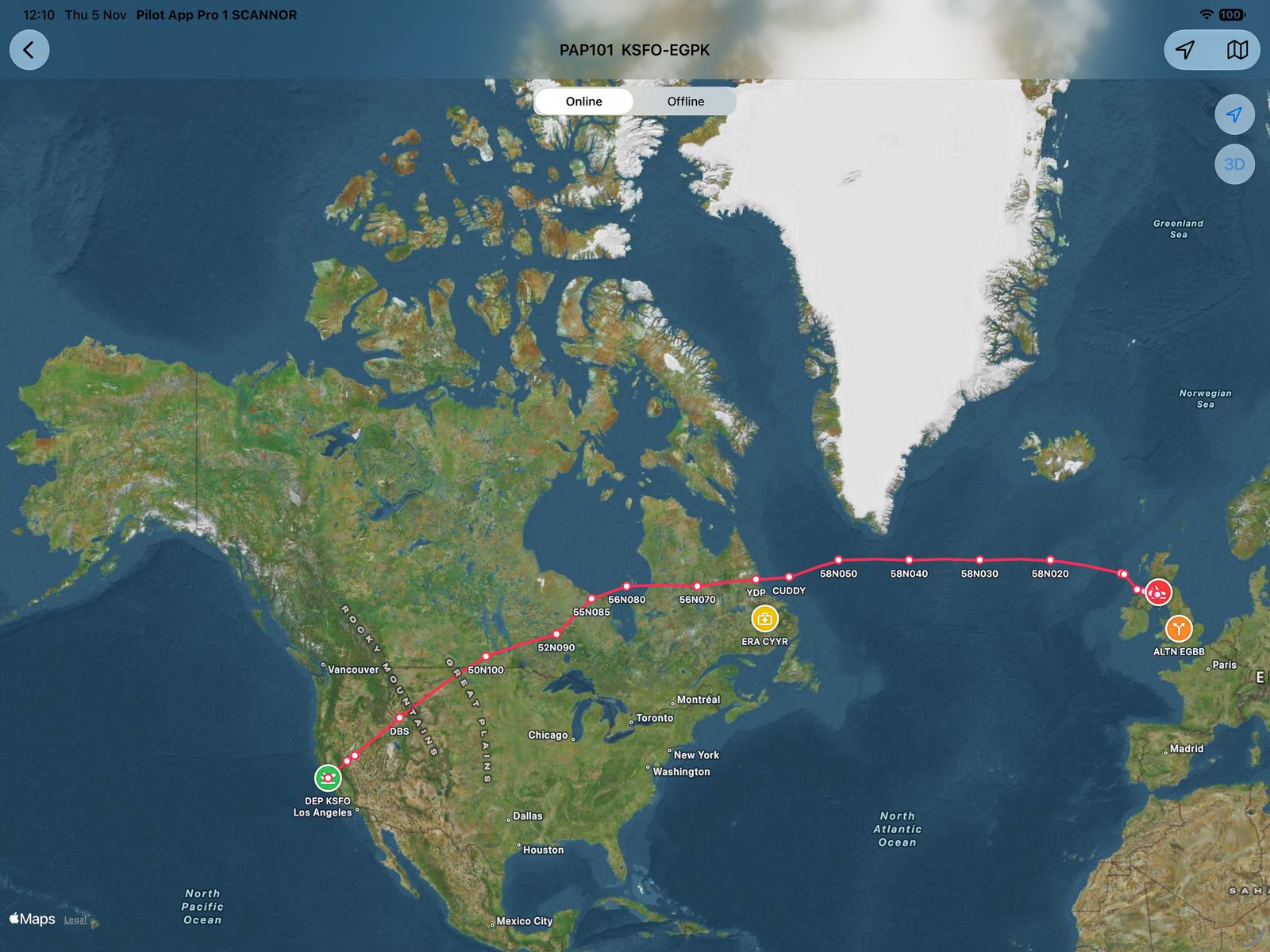
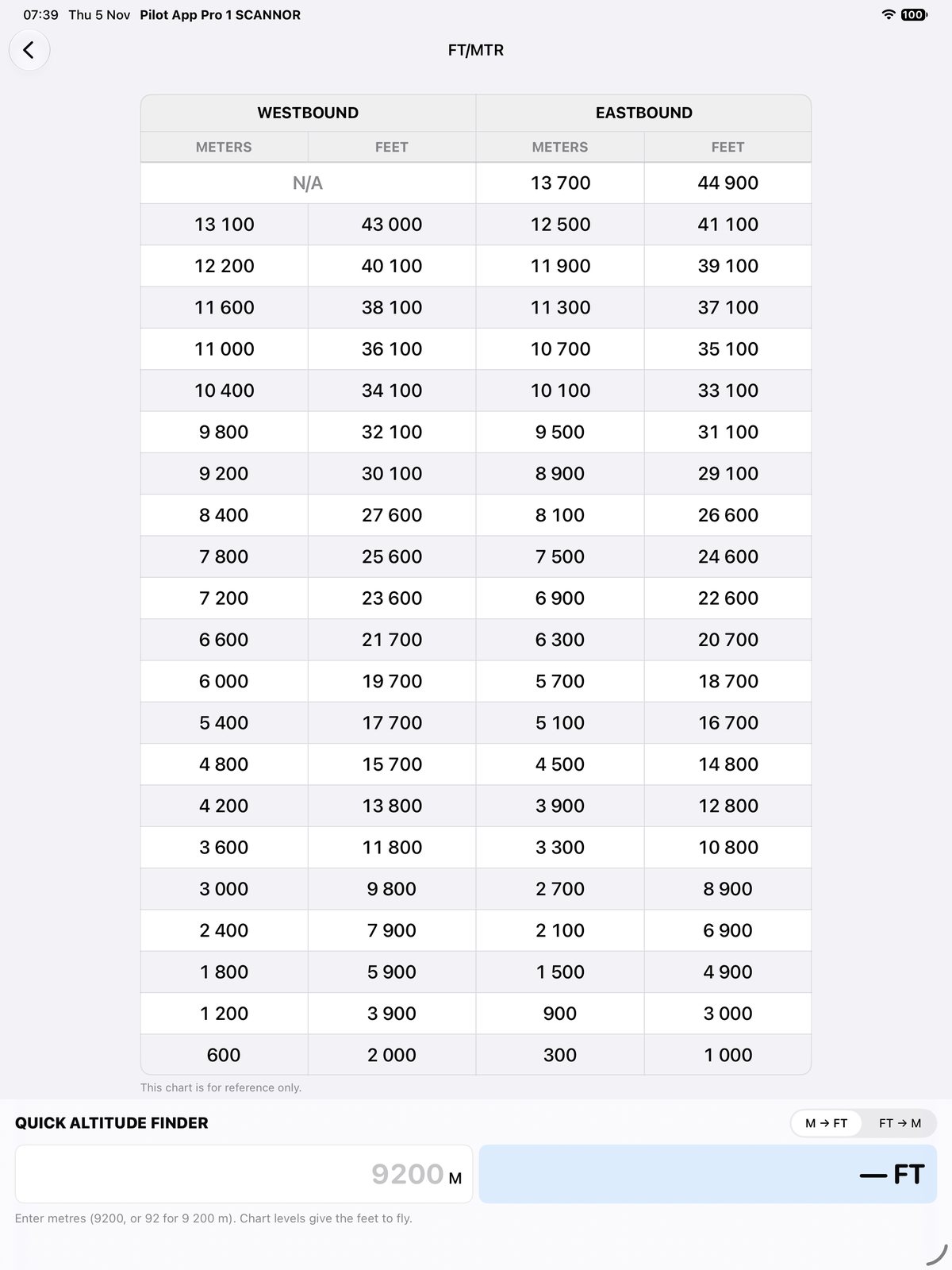
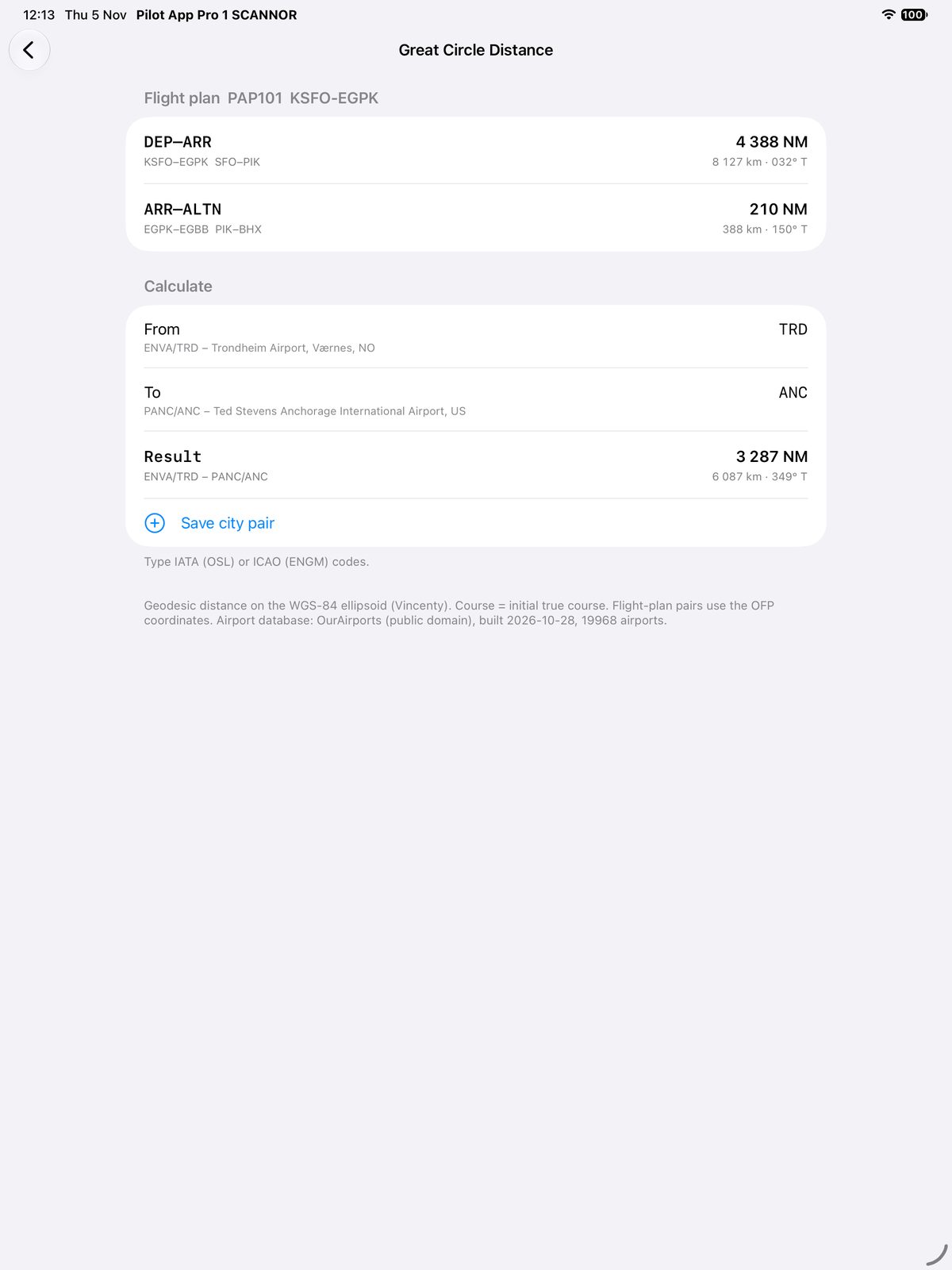
Built for iPad first; it also runs on iPhone. The screens show the fictional demo flight plan PAP101 KSFO–EGPK that comes with the app.
From the gate to the gate
Before departure
- Select the flight plan once; every tool reads it.
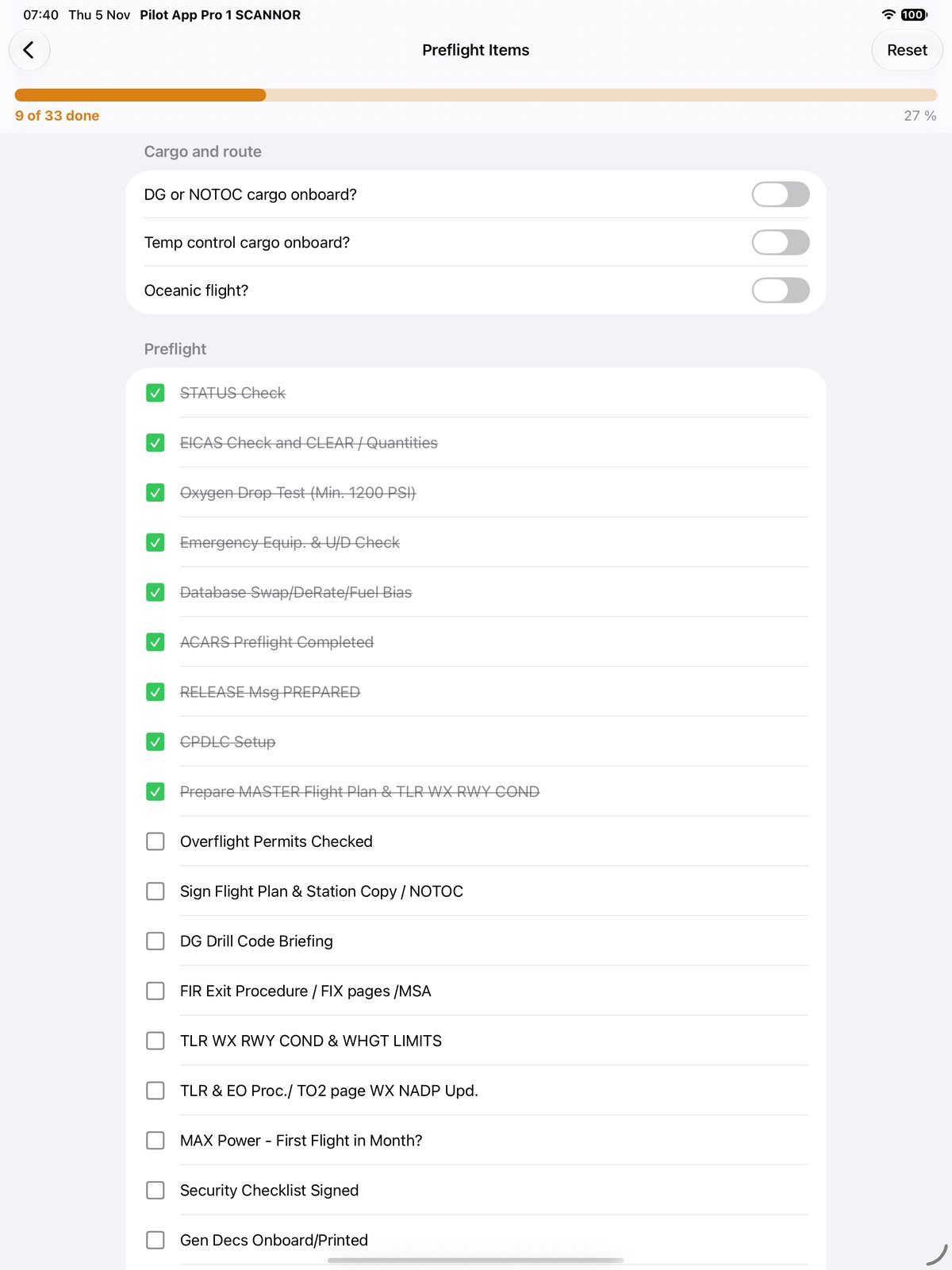
- Preflight checklist that turns from red to green as you tick it off.
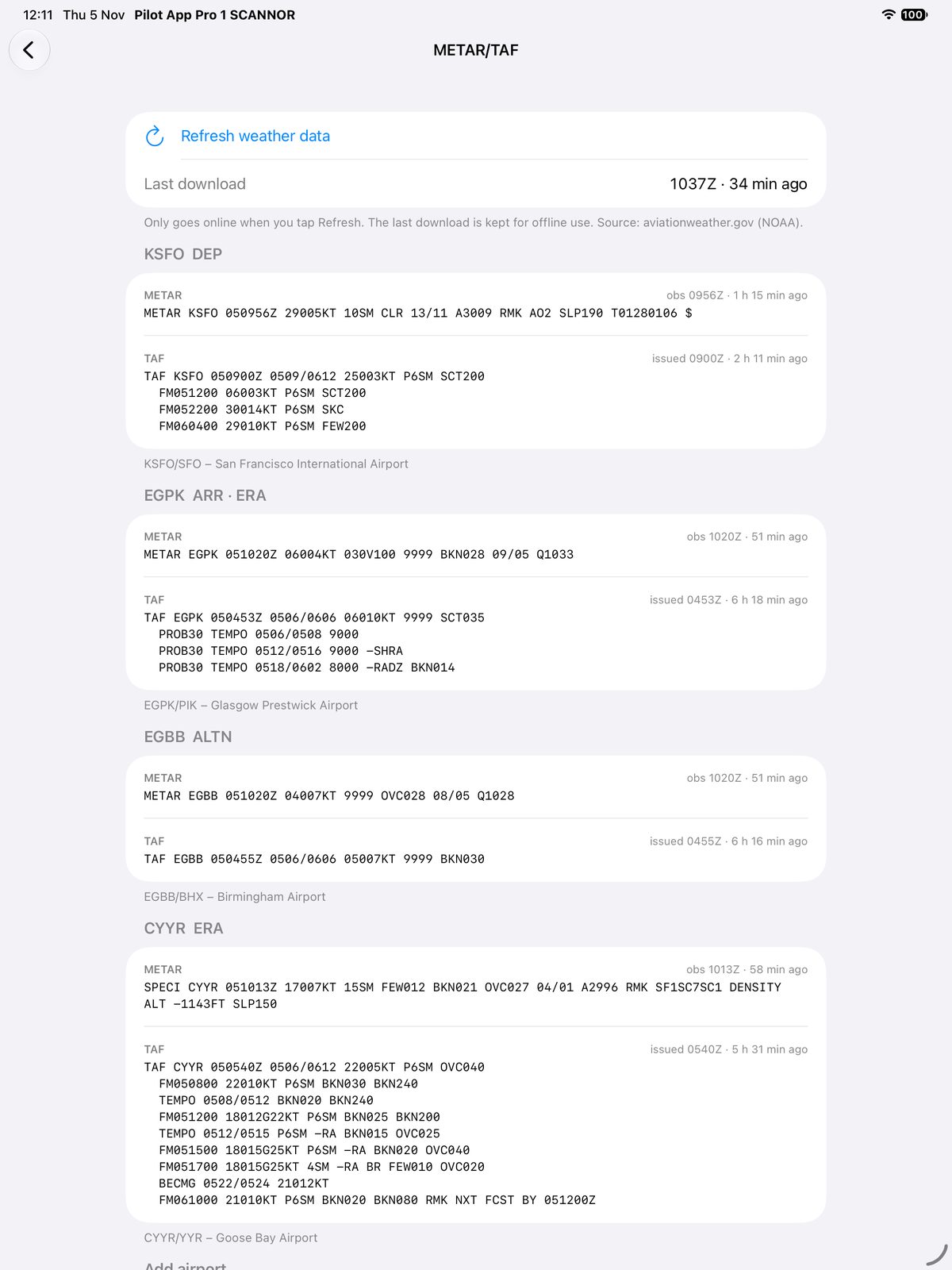
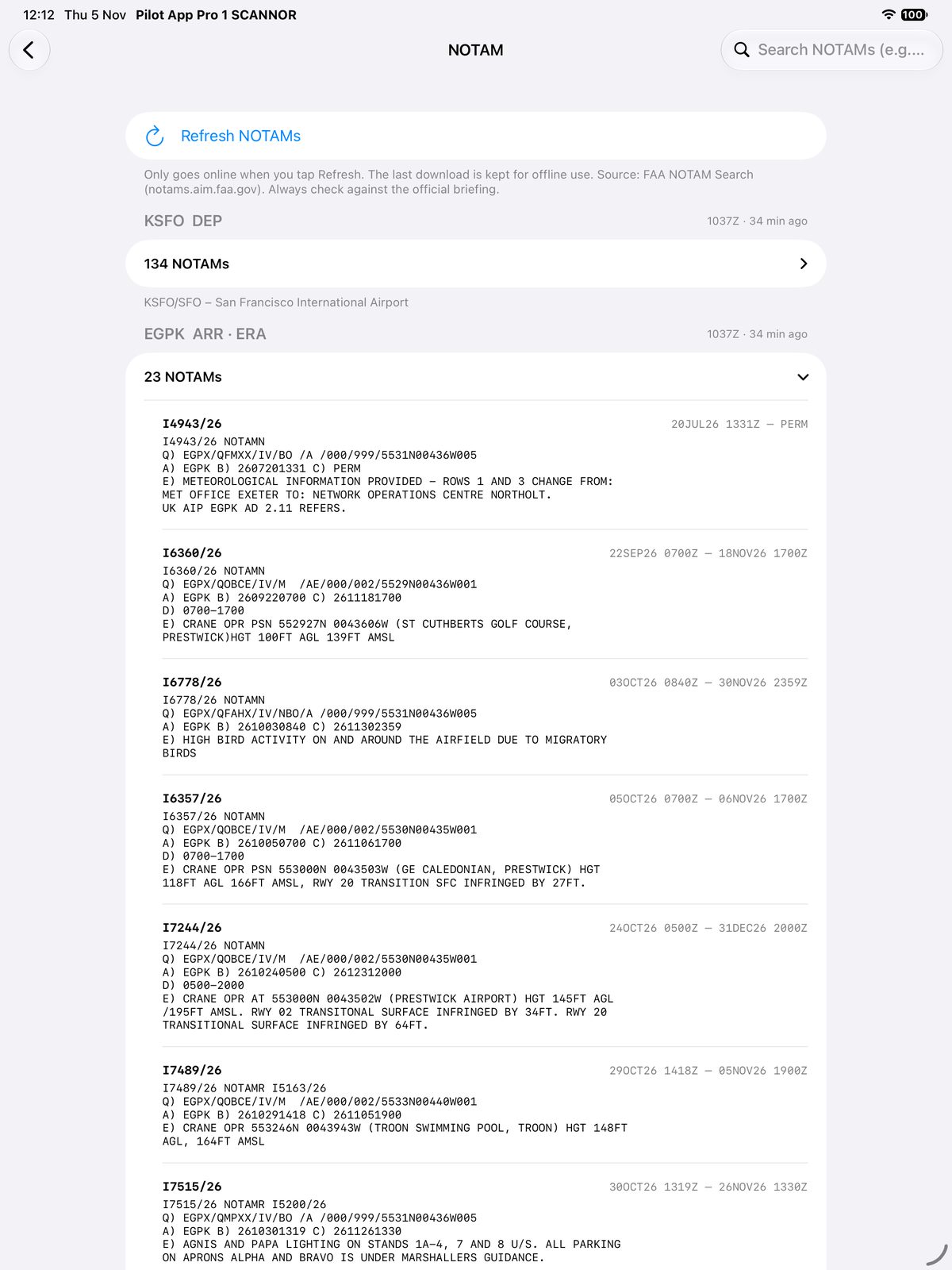
- Weather and NOTAMs for departure, destination, alternates and en-route alternates.
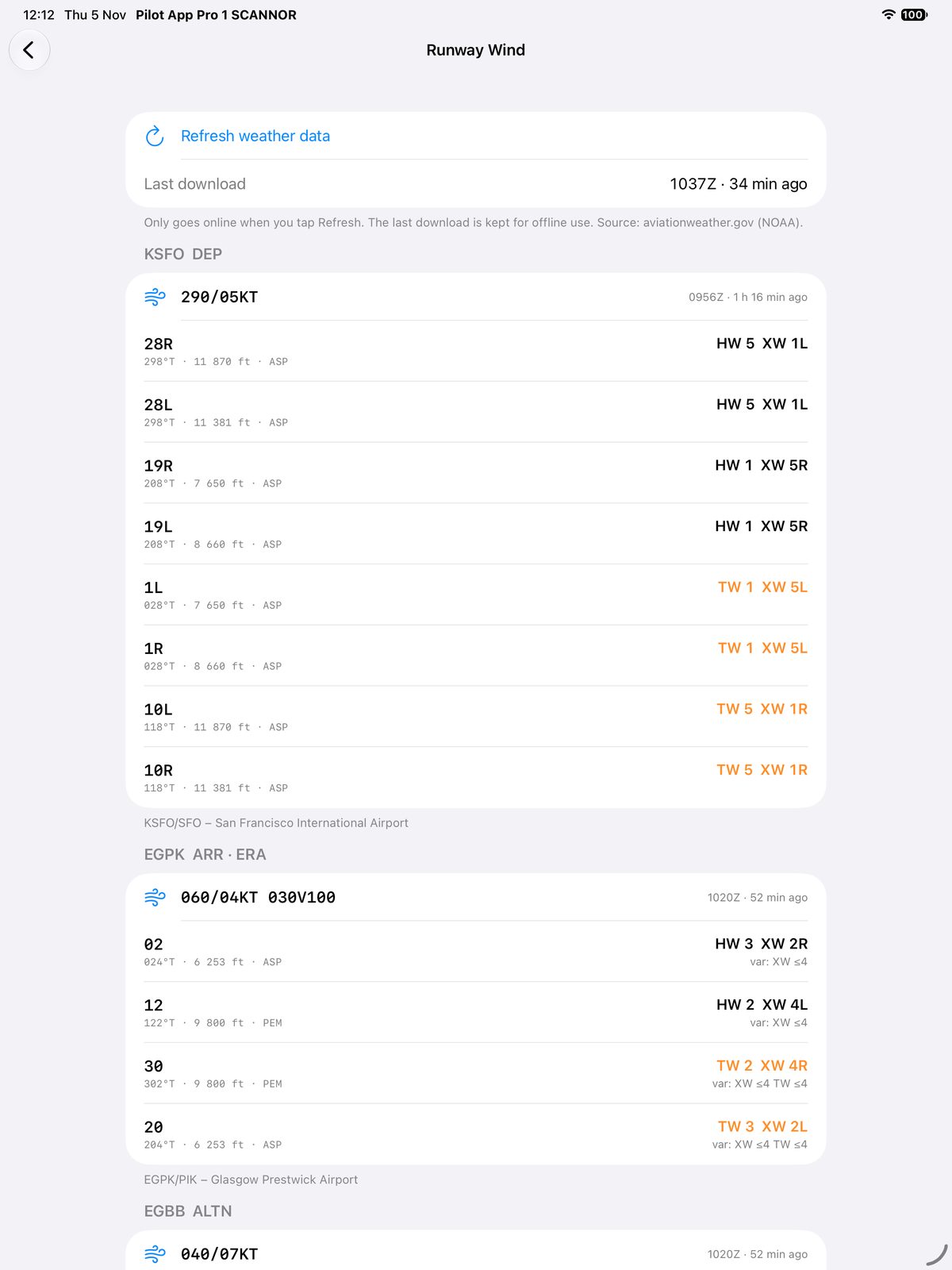
- Runway wind components for every runway from the latest METAR.
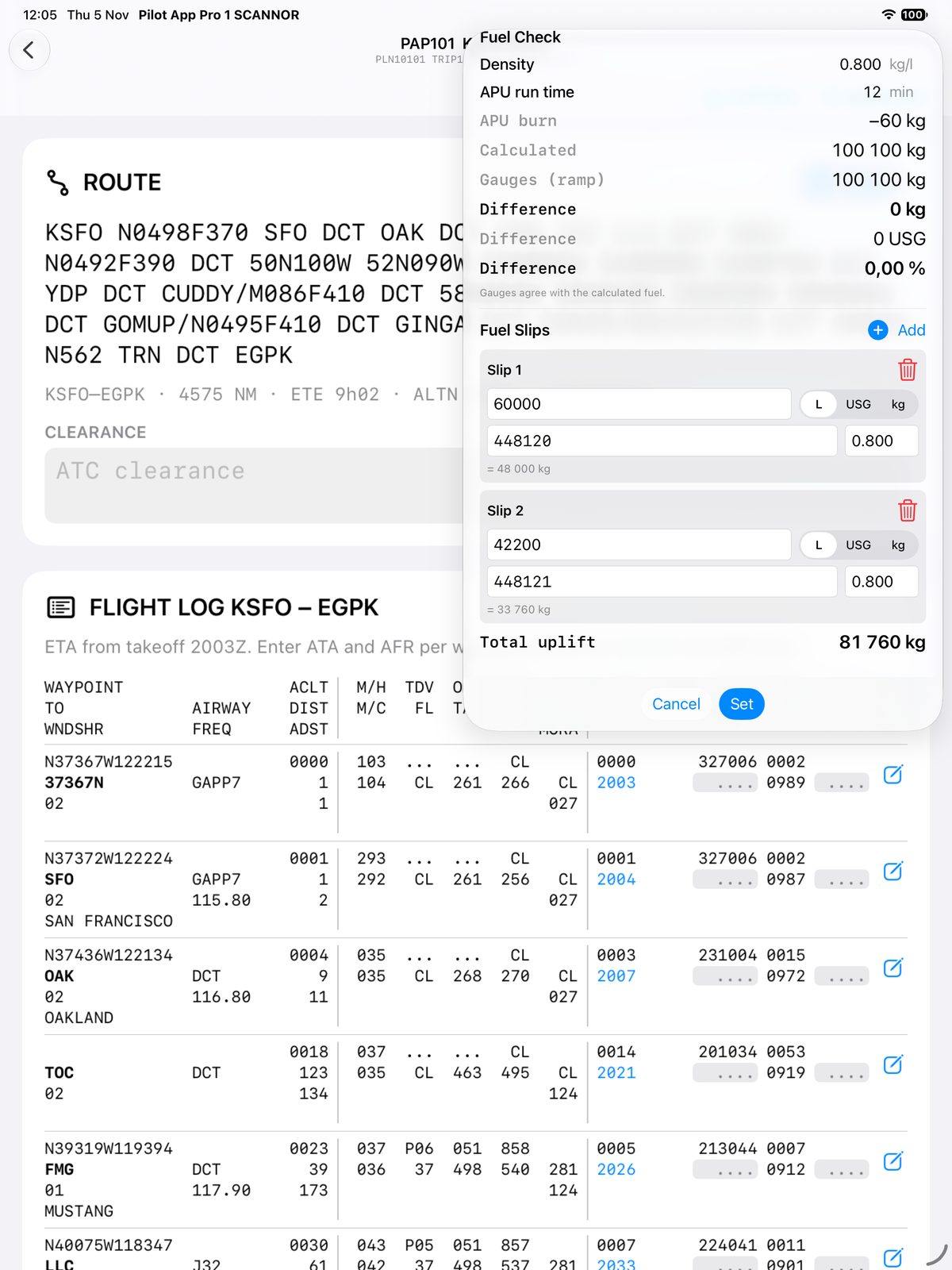
- Fuel check after refuelling, and every fuel slip with its TX number.
In flight
- Waypoint ETAs re-forecast from the actual takeoff time and every ATA you enter.
- Fuel against plan: actual fuel remaining next to the planned figure at each fix.
- Waypoint log: RVSM altimeter check, RNP/ANP, actual wind and temperature, Gross Error Check and notes.
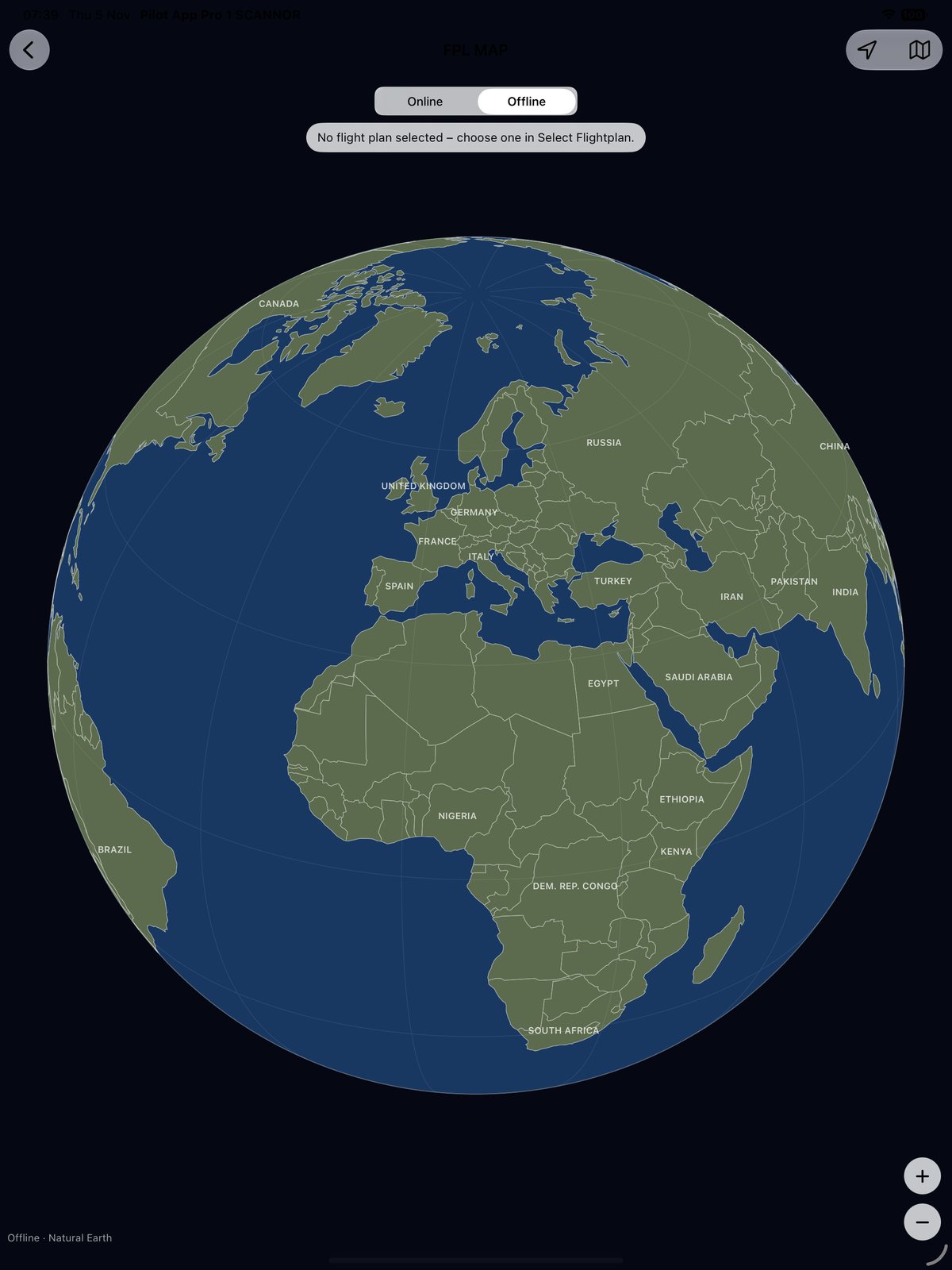
- Moving map of the route, with an offline globe when there is no data link.
- Metric flight levels, unit and currency converters, E6B calculators.
After landing
- Block times: OUT, OFF, ON and IN with block and air time.
- Fuel slips with quantity and TX number, the fuel check, and fuel used from ramp and block-in fuel.
- Captain's signature on the flight plan, then Send & Sync to the back office.
- Delay codes with search.
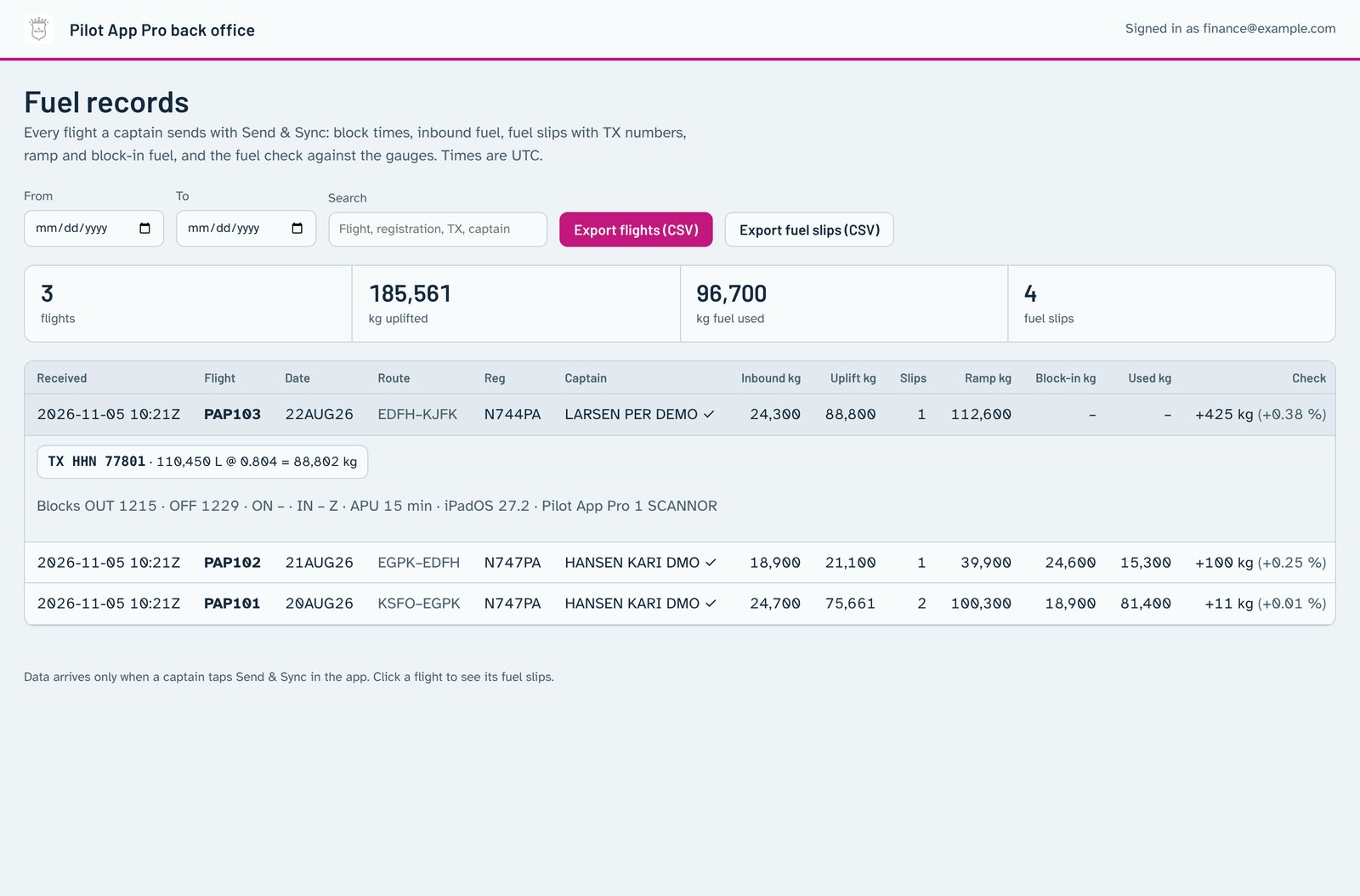
Fuel data for the finance department
When the captain taps Send & Sync after the flight, the fuel figures are stored in the company database: inbound fuel, every fuel slip with its quantity, unit, density and TX number, total uplift, ramp and block-in fuel, fuel used, and the fuel check against the gauges, together with block times and the flight summary.
Finance signs in to the back office with a one-time code sent to an approved email address, filters by date, and exports the flights or the individual fuel slips as CSV for invoicing and reconciliation.
Nothing is sent until the captain taps the button. No flight plan PDF and no signature image leave the iPad.
Two editions
Pilot App Pro 1
Every tool on this page, independent of any operator. Your own preflight list, your own airports and notes.
Pilot App Pro 2
Adds tools driven by the manuals your operator issues: a compliance check of the flight plan against your operator's rules, an MEL brief, yoke and loadsheet printouts, and a tamper-evident flight record.
How it is built
Offline first
Everything works without a connection. Weather, NOTAMs and exchange rates download when you choose a flight plan while online, and stay cached.
UTC only
Every time in the app is UTC, as on the OFP. No local times to mix up.
No limits invented
Differences are shown, never judged. Tolerances come from your manuals, not from the app.
Your data stays on the iPad
No tracking. Flight plans, manuals and notes stay on the device; only Send & Sync, when you tap it, sends the flight summary and fuel figures to your back office.